1401 Software Development
available for use on Win7, Mac and Linux
Goal: Show what ROPE can do, and how to use it -
ROPE is "our" 1401 Software development system
- - includes "our" 1401 Autocoder assembler and 1401 emulator
- runs on a home PC under Win7, Mac and LINUX.
- run a debugged program on "our" IBM 1401 machines.
Table of Contents
from Ron Mak, April 2017, for another document :-))
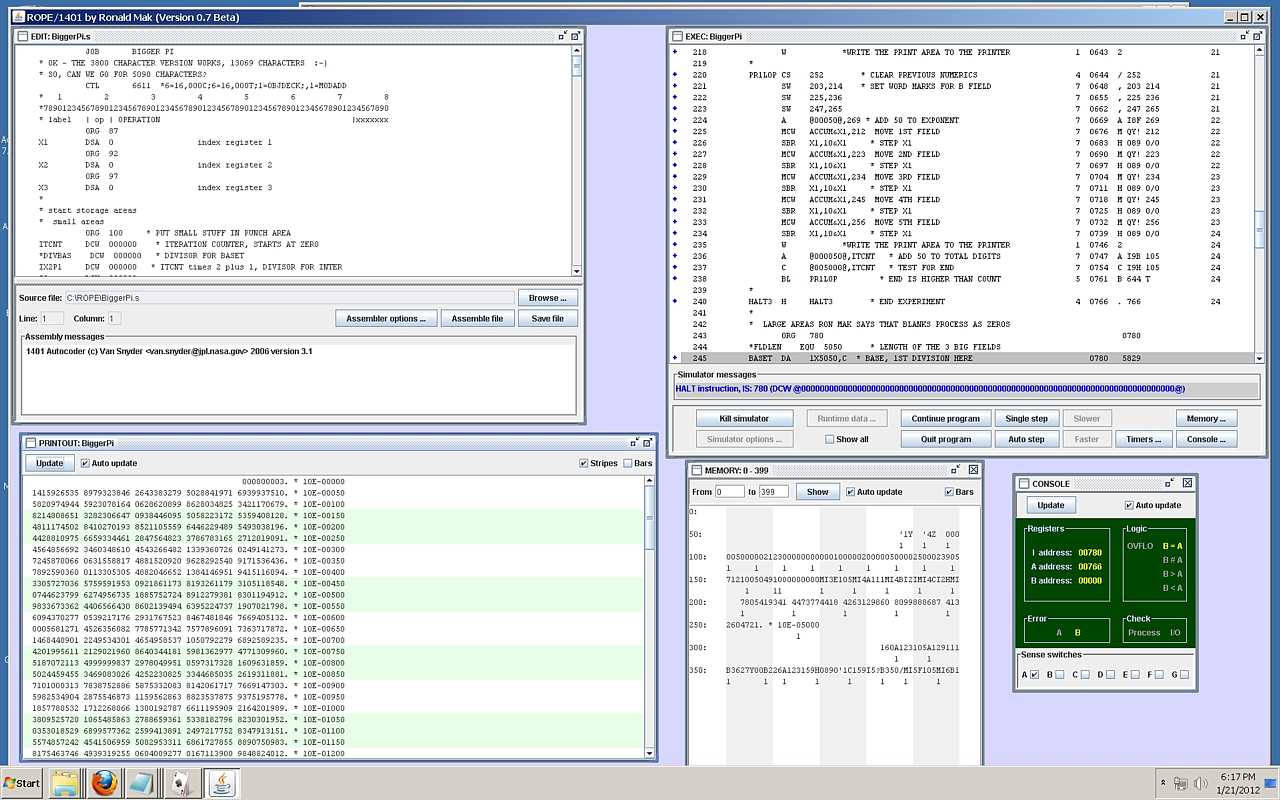
Ron Mak has made a Graphical Development Environment that
combines:
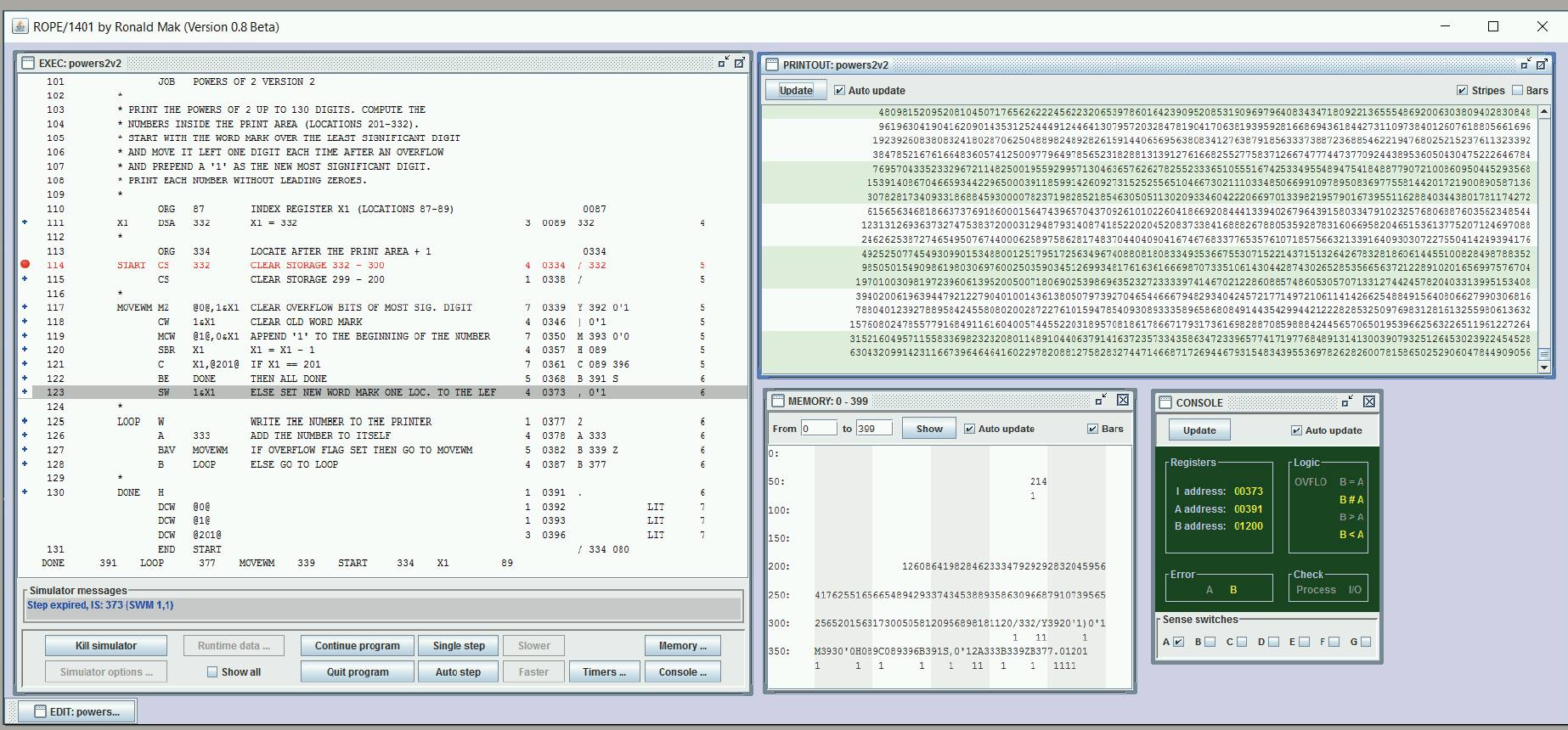
If you want to examine 1401 memory, just open a window or two, want to see printed output? it is in a window on screen, want an operator display? open a window, want to step one instruction? click a button. You should see a demo! much better than any typed description! Ron calls his environment "ROPE" (Ron's Own Programming Environment)
|
|
Here is early User Instructions
and update instructions
Here is an on-line pdf of IBM's 1401 Reference Manual A24-1403-5 with a good description of the commands. Windows update April 2008, v0.7, can use new Autocoder V3.1, rough 1401 running timer Down load the zip file (for Windows only) at http://www.apropos-logic.com/ROPE1401v07.zip. This version incorporates Van Snyder's Autocoder assembler v. 3.1. -- Ron LINUX Version (June 25, 2008) |
SIMH Simulator
Note: you do not need the following information to run ROPE just fine. Reference only
|
From The Computer History Simulation Project
- SIMH documentation by Bob Supnik - Supplemented I1401 User Manual - locally generated - - SIMH Help file This simulator is command line only, no GUI at all. Really Spartan! For really deep research, - Tricks for Simulating/Emulating the 1401 System - a listing of Van Snyder's Autocoder parameters & help file. - SIMH documentation by Bob Supnik |
|
Van Snyder Utilities.
Van Snyder remarks about MACROs - July 9, 2010 By "have to be five characters" I mean the names of macros in columns 16-20, to be used to search for macro template files, have to be five nonblank characters, or MA or ma. Actually, I check that the trimmed length is five, so having blanks in the middle would be OK. I suspect "real" Autocoder wouldn't accept that. |
Developers and users of our environment using ROPE
|
- A known bug in ROPE. added April 13, 2013
|
Occasionally, exact circumstances unknown, ROPE gets into a mode where it loads and runs
a previously assembled version of the program you are developing. The symptom
is that you are looking at the current listing, but running a previous version, the changes
you just made are not in the running code !!
Work-around - Just exit ROPE, ( the current source code has already been saved before the last assembly). Then restart ROPE, assemble the code you were working on, and you will then run the currently assembled code.
Paul Laughton (Nov 23, 2014) reports This problem occurs when when using a card data input.
When you are using card input,
|
and Peripherals, card reader & punch, magnetic tapes. (printer is attached by default)
|
OK, the run time environment includes a display of the printout as it occurs :-))
Now about the other "standard" Peripherals, card reader & punch, magnetic tapes -
|

2014 Latest and greatest ROPE from from Luca Severini Oct 17, 2014
|
Hi Lawrence,
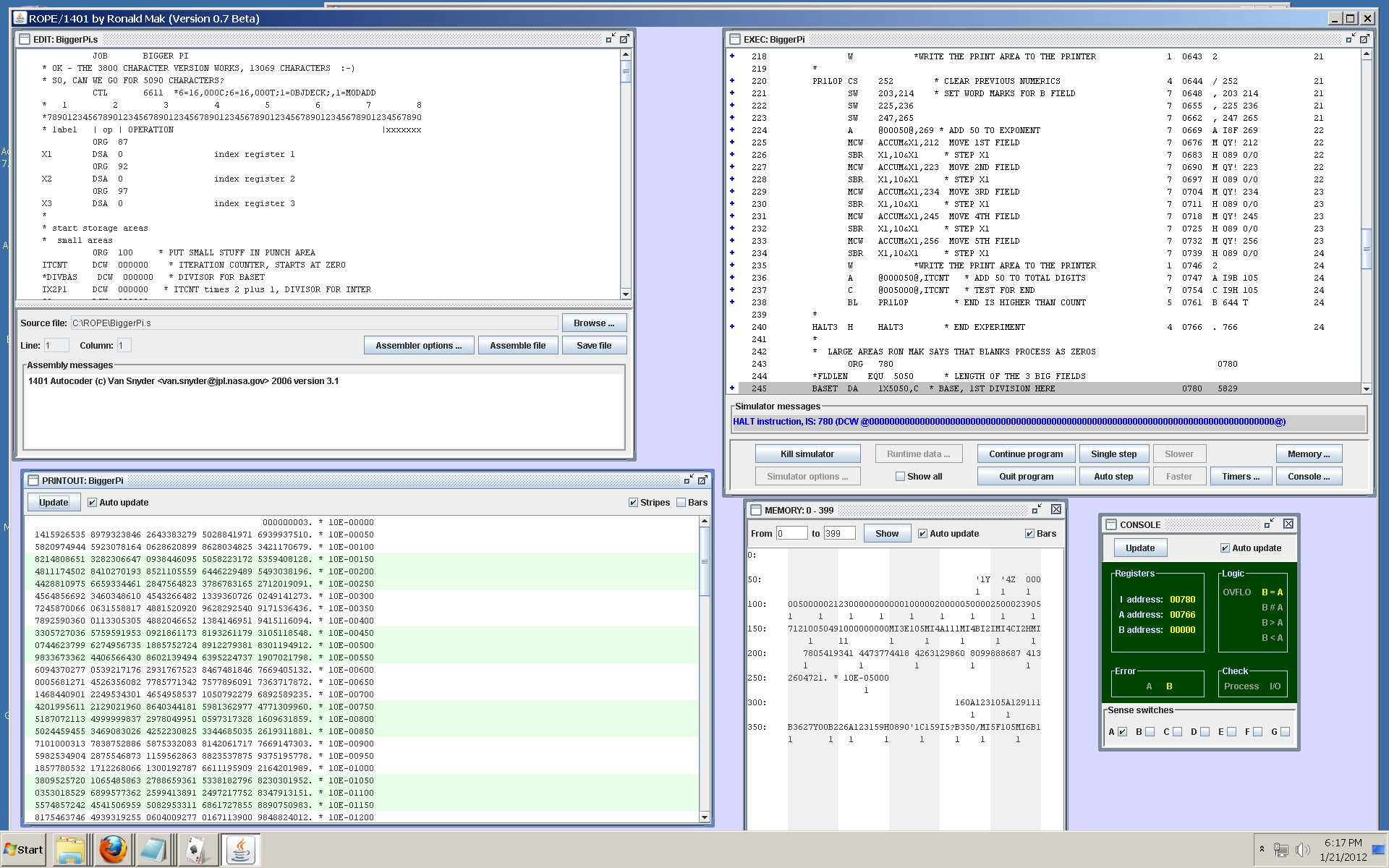
I'm Luca Severini, a CS student and volunteer at the museum (I should say I was because know I don't have the time between school and work). Ron Mak who, as you probably know, wrote Rope is one of my professors at SJSU. In the last period I worked on Rope adding some features and fixing bugs. I wish I could have more time to complete some useful features but I don't really have the time now. Hopefully I will finish to implement small-c for the end of the year as part of school project for my Compiler Design class. I saw from the png in your repository that you are using it already... ;-) In any case here is the link to the latest version: https://www.dropbox.com/s/bdgncrcaaa5e3a5/ROPE.zip?dl=0 Any comment or suggestion about it is welcome. Luca |
2015 Latest and greatest ROPE aor PC & MAC from from Ken Shirriff Jan 16, 2015
PC
Ed, here's the process I used to run ROPE 2.0 beta:
Go up a couple directories to ROPE-master, then down into examples and open lincoln.s. The left window is the source code. Click "Assemble file".
You can now edit the file in the left window, and then assemble and start as before. Note that spaces are very, very important.For example, everything must start in the right column and there are usually two spaces between the opcode and the arguments. The error messages are very basic; you may need to scan the right window carefully. If you want to create a new file, you need to create it outside ROPE, and then load it with Browse. The "Memory" window is very helpful for debugging. Word marks are indicated by a 1 under the character. Half my problems are due to word marks not where I expect them. If the simulator goes into an infinite loop, I couldn't find any way to stop it except going back to the command line and giving a Control-C to the java command.
Here are instructions for Mac:
|
2016 Latest and greatest ROPE from Stan Paddock April 2016
|
Ed,
Attached is ROPE02.zip.
|
"Luca Severini" From: Luca Severini < lucaseverini@gmail.com > May 31, 2017
|
For ROPE, there is the public repository on github:
https://github.com/lucaseverini/ROPE For the App, I can provide the sources, with open source license, for the parts that I wrote. The rest has been written by Stan. However if you or someone else wants to use it, is more practical to provide the UIID of an iPhone and an email address so I can send an installation email for it. |

|
If you want to bring a 1401 program from ROPE to the 1401 - added May 2022
|
From: Jack Ghiselli To: ed ed-thelen.org Subject: CHM: Operating instructions for PCWRITE ... There exists a system called "ROPE" for preparing, assembling, and testing-via-simulator 1401 Autocoder programs. ROPE is described elsewhere. If you want to bring a 1401 program from ROPE to the 1401, the CHM has a system for doing this. It apparently doesn't have a formal name, but I've called it PCWRITE, the name of the IBM PC program used. You bring your Autocoder object deck on a USB thumb drive, put it into the IBM PC, and punch an actual object deck on the 1402 Punch on CT. I needed to use this capability and found there wasn't any written instructions on how to use it. You had to go to Stan Paddock and get guidance. To help anybody else who wants to use the capability, I wrote up the attached PCWRITE Operating Instructions. I thought perhaps you could enroll them on your all-seeing data base of stuff, where people could find it if they need it. There appear to be a couple of other methods for PC-to-1401 transfer that don't seem to be working at the moment. Also, I think Tom Szolyga is developing an improved system which he plans to attach to the DE 1401. I'll talk to him about creating operating instructions for it. Attached is a PDF file. Best regards, and thanks again for your archive, --Jack |
|
We are blessed by having a large number of 1401 documents on line at
courtesy of Al Kossow. Of particular interest to people wishing to code and simulate the 1401 are:
|
Status from Luca Severini, Tue 7/5/2022. 1:19 AM
|
Hello everybody,
The Github pages (https://github.com/lucaseverini/ROPE)
are up to date with the latest version of ROPE and all the necessary stuff to run it.
Best, Luca |
|
I heard that some folks want to run ROPE on Mac OS. I successfully run it on a 2019 Apple MacBook Pro (Intel architecture). I don’t have access to a machine with the new Apple silicon.
Download and unzip this file http://www.cs.sjsu.edu/~mak/ROPEonIntelMacOS.zip and then cd into the directory.
Mac OS might not allow you to run the Autocoder and 1401 simulator executables. To bypass its security, enter these commands on the command line
Now you should be able to run ROPE:
I included several demo Autocoder programs (the *.s files). These are not the latest and greatest ROPE, Autocoder, or simulator executables, just what I happen to have on my laptop. Van Snyder and I had major difficulties a couple of months ago trying to compile the latest version of his Autocoder source files due to problems with the gnu Fortran compiler. In my (very little) spare time, I’ve been using ROPE to develop a personal project — Robert Garner knows what it is — which I hope will make it even easier to write demo programs for the 1401s. It’s going to take a while, but stay tuned! — Ron
Ronald Mak
Hi Ron, That sounds like me. I'd tried to get in touch with Van Snyder via email a few times, but I might've gotten filtered out. I was trying to get the source for the assembler to attempt to recompile it on Apple Silicon (I've since set up a different x86 box that runs things fine). ROPE itself (the version currently hosted on GitHub and linked to via the info site) works fine on whatever JVM is packaged with current Apple Silicon Macs, but the assembler itself is the thing that is unwilling to work on those chips (it looks like there is some explicit architecture check, and it's rejecting Arm as "unknown" - this is in spite of the fact that it is running via the x86 emulation layer). I'm happy to have a go at convincing it to compile on my machine. -Sam - from Peter Chang Hi Ron, Thank you very much. I tried to run ROPE on my Mac before. After I downloaded your zip file, my Mac complains of missing libgfortran.3.dylib while running autocode-3.13 .
ROPEonIntelMacOS % ./autocoder-3.13 -version
Do you know where I could download this lib file ?
Thank you.
Peter
Hi, Peter.
Oh, no! Library problems are the worst because once you install a missing library, it will complain about another one missing.
Try this:
https://stackoverflow.com/questions/57207357/dyld-library-not-loaded-usr-local-gfortran-lib-libgfortran-3-dylib-reason-im
— Ron
|
Started in 2006
Last updated January 7, 2024
Return to main page